Tracking & Attribution
Offline Conversion Tracking: How to Teach Google Ads Which Clicks Became Customers

By Dr. Muhammad Abdullah, Pharm.D, MBA · Founder & Chief Systems Architect
Updated · 3 min read
The short answer
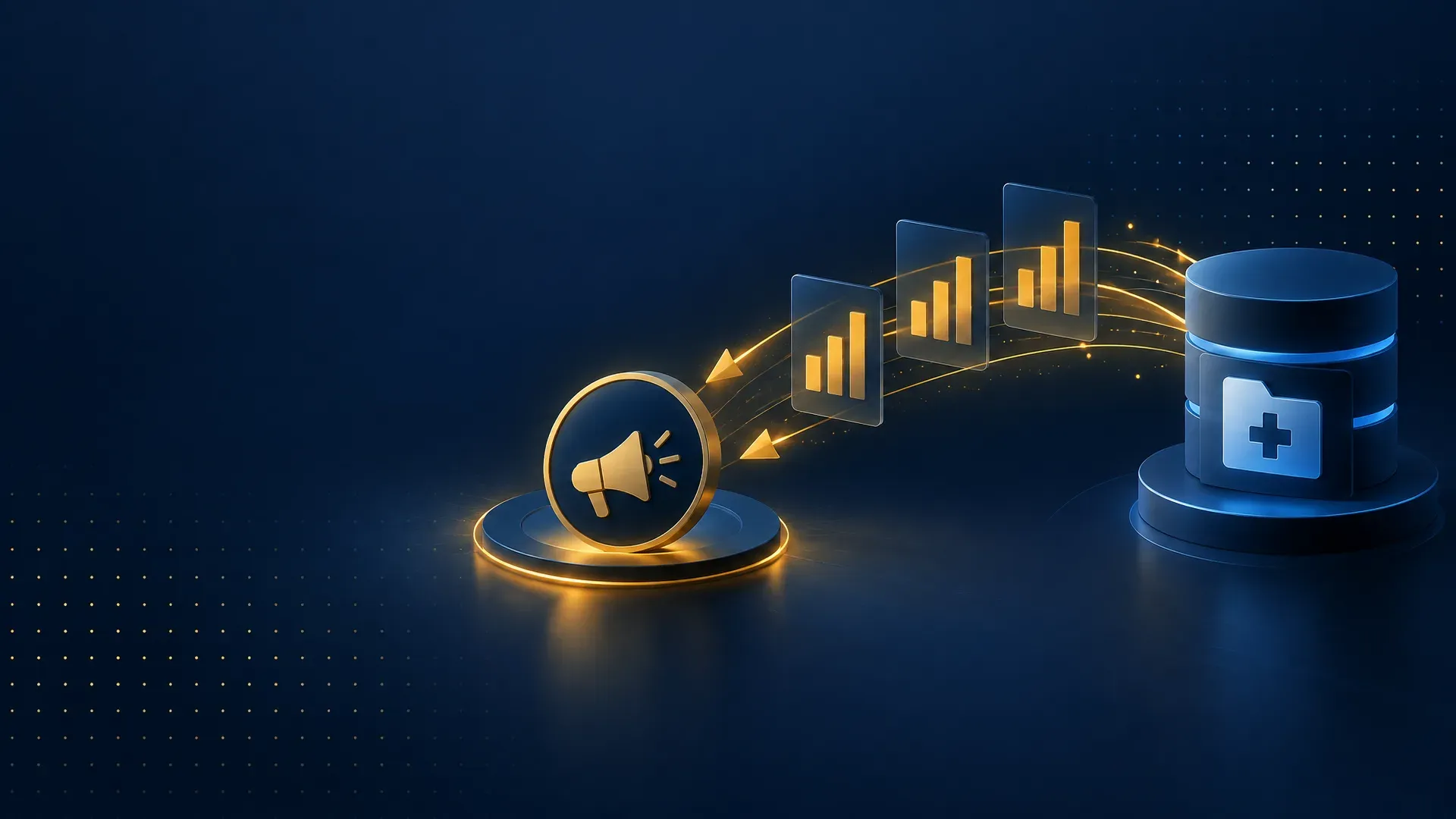
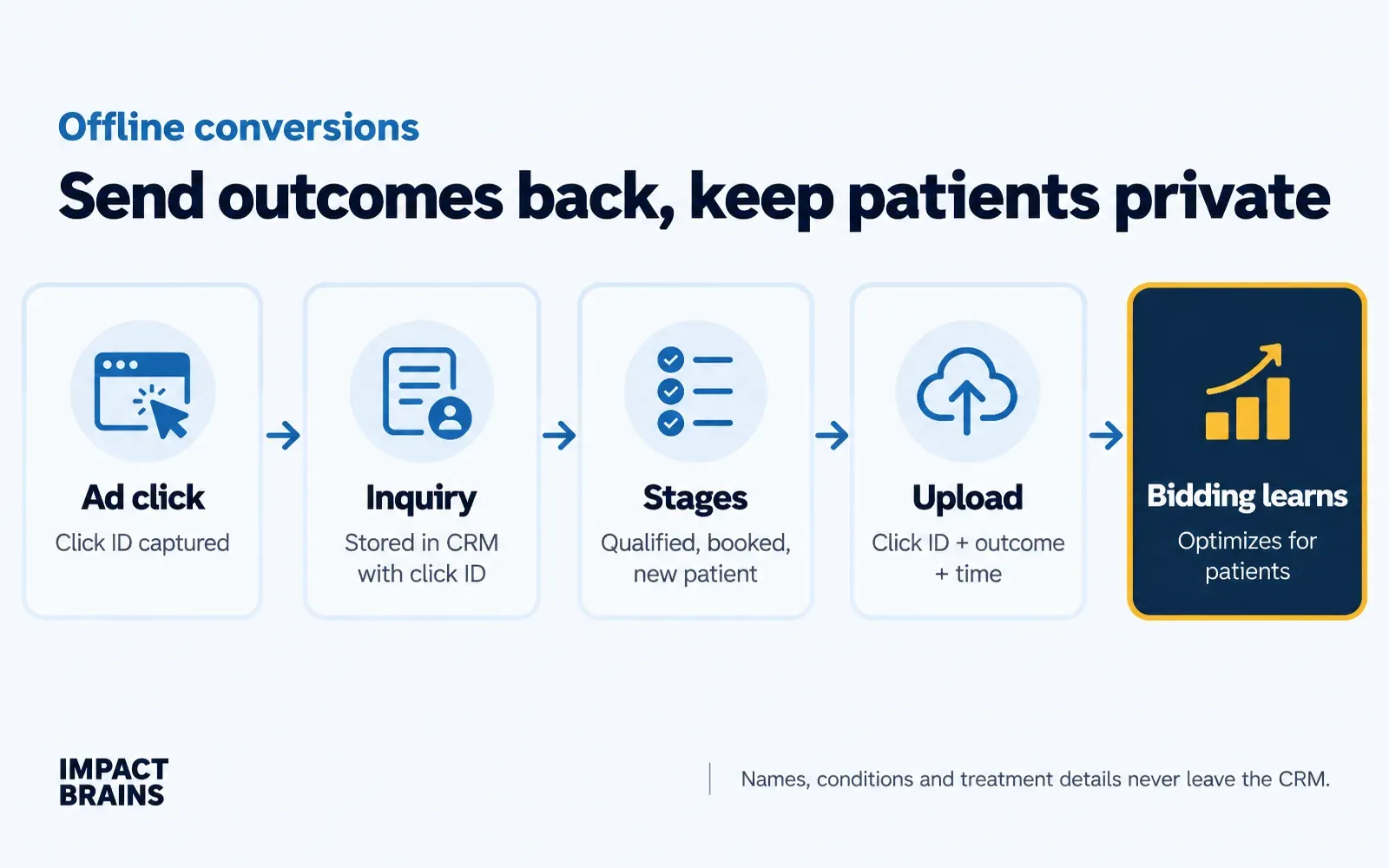
Offline conversion tracking sends outcomes that happen after the click, such as a booked appointment, a signed contract or a new patient, from your CRM back to Google Ads and Meta. Send only the click ID, the conversion name, a timestamp and optionally a value, never personal or health details. Bidding then learns to find customers instead of form fills.
Key takeaways
- Capture the click ID when the enquiry arrives and store it in your CRM.
- Define clear stages, such as qualified, booked, attended and sale. Each can be its own offline conversion.
- Upload the click ID, conversion name, time and optional value only.
- Bidding usually improves within weeks once outcome data arrives steadily.
Smart Bidding is a very fast intern with no context. Feed it the wrong conversion and it will optimise, with great enthusiasm, for the wrong thing. Tell it every form fill is a success and it will find you more form fills, including spam, price-shoppers and wrong numbers.
Offline conversion tracking fixes that by telling the ad platforms what happened after the click. This guide is for UK businesses that take enquiries online and close them later, such as clinics, trades, B2B suppliers and service firms. It explains what to send, what never to send and how to set it up.
What is offline conversion tracking?
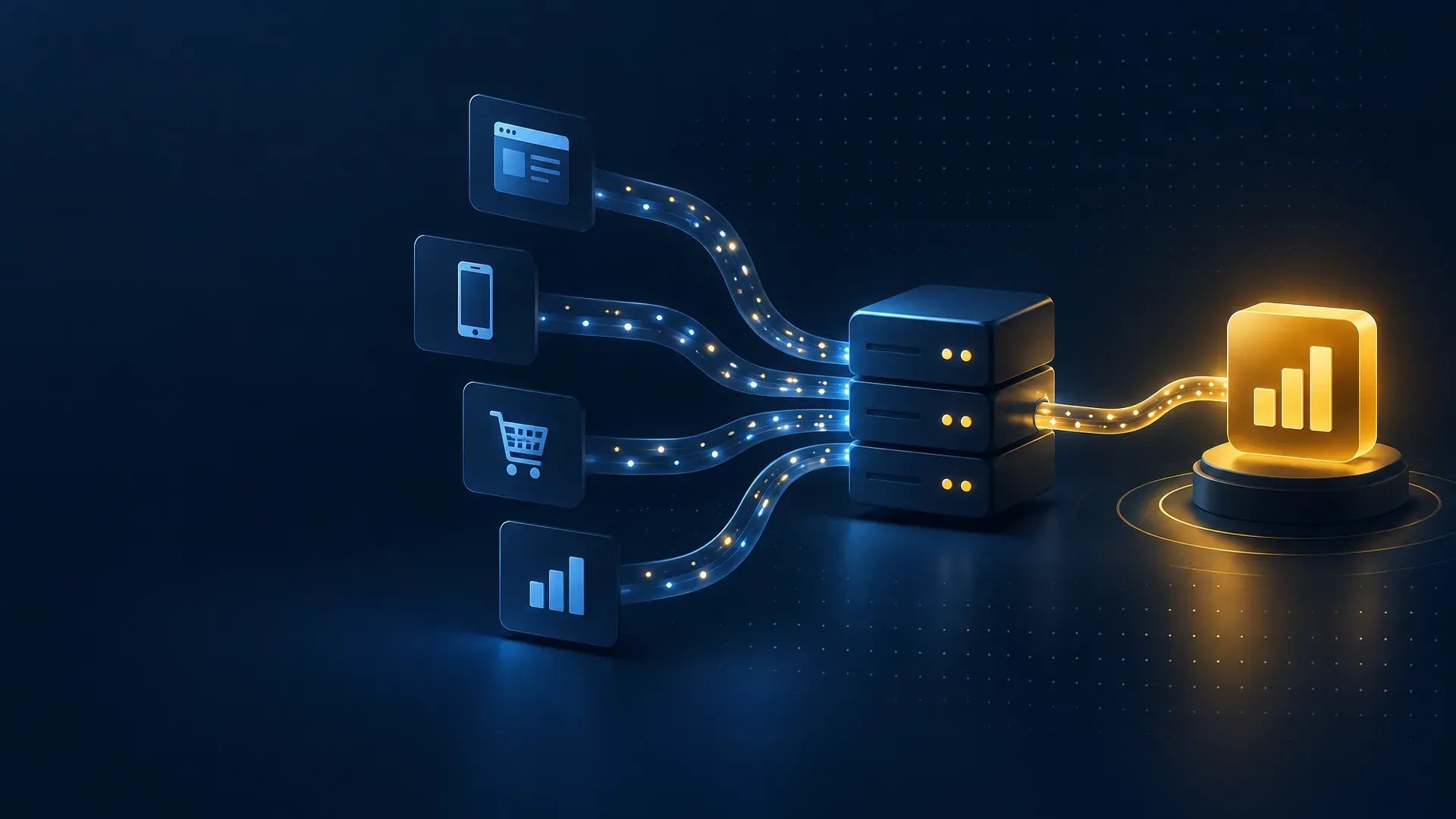
An offline conversion is an outcome that happens after the click and outside the website: a qualified phone call, a booked appointment, a customer who turned up, a contract signed. Offline conversion tracking uploads those outcomes back to the ad platform so it can see which clicks produced real results.
Why does offline conversion tracking matter?
Ad platforms optimise towards whatever you tell them is a conversion. Tell them about booked appointments and sales, and they learn to find more people like those customers.
Our clearest example is a facial plastic surgery practice in Washington, D.C. Changing the conversion action to consultation requests, as part of rebuilding campaigns by procedure, helped take cost per conversion from $141.68 to $61.12 in three months.
What should you send, and what should you never send?
Send the minimum. Google Ads offline imports need the click ID, the conversion action name and the conversion time. Value is optional. That is enough to attribute the outcome, and none of it describes a person.
| Send | Never send |
|---|---|
| Click ID (gclid, gbraid, wbraid or fbclid) | Names, emails or phone numbers, unless reviewed and lawful |
| Conversion name, for example “Appointment booked” | Health conditions, treatments or case details |
| Conversion time | Notes, intake answers or messages |
| Value (optional, average or estimated) | Payment or financial details |
Some platforms offer matching on hashed email or phone, such as enhanced conversions. Hashing is not the same as anonymisation. For health-related businesses, use these features only after review by your data protection lead.
How do you set up offline conversions for Google Ads?
- Turn on auto-tagging. Google Ads adds a click ID to every ad click.
- Capture the click ID. A hidden form field or your call-tracking tool stores it with each enquiry.
- Create CRM stages. For example qualified, booked, attended and sale, each with a timestamp.
- Create conversion actions. One offline action for each stage you want to measure.
- Upload on a schedule. Daily, through a CRM integration, an API connection or a scheduled file.
- Shift bidding. Once volume is steady, optimise towards booked appointments or sales.
How does this work on Meta?
Meta receives offline events through the Conversions API. Capture the fbclid at enquiry and send stage events from your server or CRM. Some categories, including health and wellness, have restrictions on the data advertisers can send, so check what your account allows.
What are the common mistakes?
- Not capturing the click ID at first contact, so nothing can be matched later
- Uploading outcomes too late, after the click is outside the import window
- Counting the same customer twice across stages as primary conversions
- Including contact details or notes in the upload file
What to do next
Check whether your forms and call tracking capture the click ID today. If they do not, that is the first fix, because every later step depends on it. Then agree two or three CRM stages with your team and create matching conversion actions.
Most businesses think they need more leads. What bidding needs is fewer, better signals: one booked appointment tells it more than ten form fills. Our conversion tracking set-up service builds this loop end to end.
Frequently asked questions
What is an offline conversion?
An outcome that happens after the click and outside the website, such as a qualified call, booked appointment or completed sale, uploaded back to the ad platform.
Can healthcare providers use offline conversions safely?
Yes, when uploads contain only the click ID, conversion name, time and optional value, and no patient identifiers or health details. Review the set-up with your data protection lead, and with HIPAA counsel for US services.
How long does Google take to use offline conversion data?
Uploads appear within about a day. Bidding usually needs several weeks of steady volume before it optimises reliably towards offline actions.
Do I need a CRM for offline conversions?
You need somewhere that stores the click ID and the outcome. A CRM is the usual place, though a booking system or spreadsheet can work at small scale.
Can I import offline conversions into Meta?
Yes, through the Conversions API, subject to any data restrictions that apply to your business category.

About the author
Dr. Muhammad Abdullah holds a Doctor of Pharmacy and an MBA and founded Impact Brains. Over eight years he has managed more than $7M in ad spend and deployed Google Tag Manager across 50+ accounts in nine countries. He created the IMPACT Marketing System and leads the team that builds it for clients. He is not a medical doctor and does not give clinical advice.
Sources
- About offline conversion imports, Google Ads Help. Accessed 15 November 2026.
- About Smart Bidding, Google Ads Help. Accessed 15 November 2026.
- Conversions API, Meta for Developers. Accessed 15 November 2026.
- Special category data, Information Commissioner's Office. Accessed 15 November 2026.
This article is general information only and is not legal, medical, financial or regulatory advice. Rules differ between the UK, US and other markets and change over time. Take advice from a qualified professional before acting on anything specific to your organisation.